Introduction
| 133 Pull Requests merged | 88 Issues resolved | 242 Commits |
Luanti 5.15 is here! This time, we have rendering performance improvements, dynamic shadows on Android, a Windows installer, and many small enhancements.
You can download Luanti from our website, check out the code on GitHub, or read the full changelog.
Table of Contents
- Rendering Performance Improvements
- Dynamic Shadows on Android
- Windows Installer
- SDL is Required to Build Luanti
- UI and Client Improvements
- Modding Features
- What’s Next?
Rendering Performance Improvements
Luanti now uses a modern OpenGL feature to improve rendering performance. Our users have reported up to 10 times higher FPS in some situations. The feature is called Array Textures, and it allows Luanti to more efficiently render different parts of the map.
To take advantage of Array Textures, your device needs to support and use OpenGL 3.2+ or OpenGL ES 3.0. You can verify this by checking the About tab of the main menu. On desktop, it should say “opengl3” (not “opengl”) on the bottom left. On Android, it should say “ES 3 / ogles2”.
This release contains many other rendering clean-ups and improvements that should make Luanti run better and put it in a nicer state for future work.
Dynamic Shadows on Android
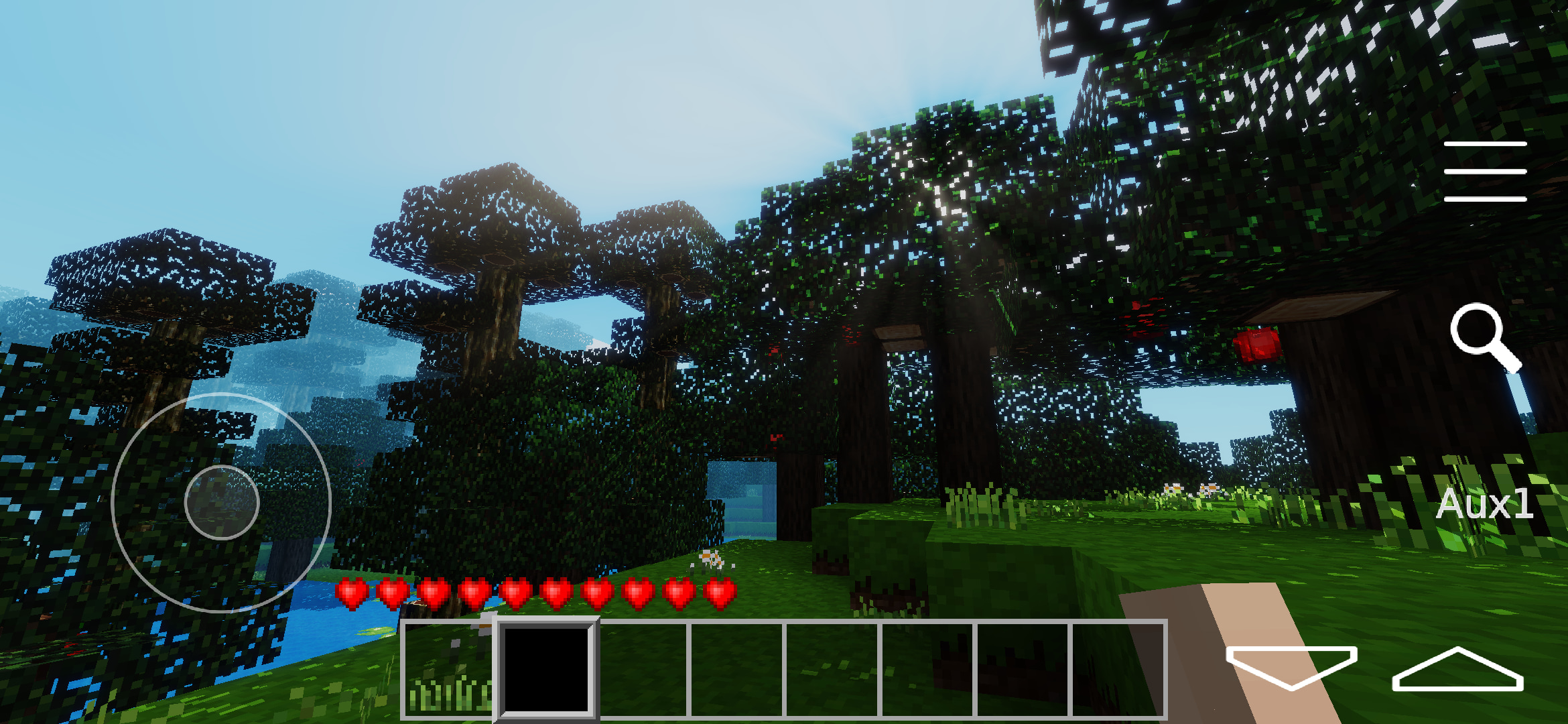
Android users rejoice: Dynamic shadows are now supported! Shadows have been supported on desktop for quite a while, but needed to be heavily adjusted for Android.
Your device will need to support OpenGL ES 3.2, otherwise the dynamic shadows setting will be greyed out. Once the setting is enabled, shadows will only appear in-game if the game you’re playing allows it.
Alongside shadows, Android now supports liquid lighting reflections and translucent foliage.
Windows Installer
We now offer a self-extracting installer as the default for Windows users. This will make it much easier for Windows users to download and update Luanti without having to manually move their save files across.
To locate your save folder, go to the About tab and click “Open user data directory”. Or, go to “User > AppData > Roaming > Minetest”.
Check out our guide on how to migrate data from the portable build.
SDL is Required to Build Luanti
Luanti uses SDL, a well-maintained industry-standard library for handling windows and input. Luanti first shipped with SDL support in 5.12.0 as a part of our rendering and input modernization efforts. As of 5.15.0 it is no longer optional when building the Luanti client.
Users do not need to do anything special when downloading Luanti, SDL is included.
UI and Client Improvements
There’s now an outline when focusing elements in the GUI, making it much easier to use Luanti with a keyboard.
You can now bind multiple keys to the same action. This is helpful if you want to bind both the left and right shift, for example.
Some settings are unavailable if another setting is disabled or if the user’s device doesn’t support a feature. Rather than hiding unavailable settings, the settings menu now shows unavailable settings greyed out.
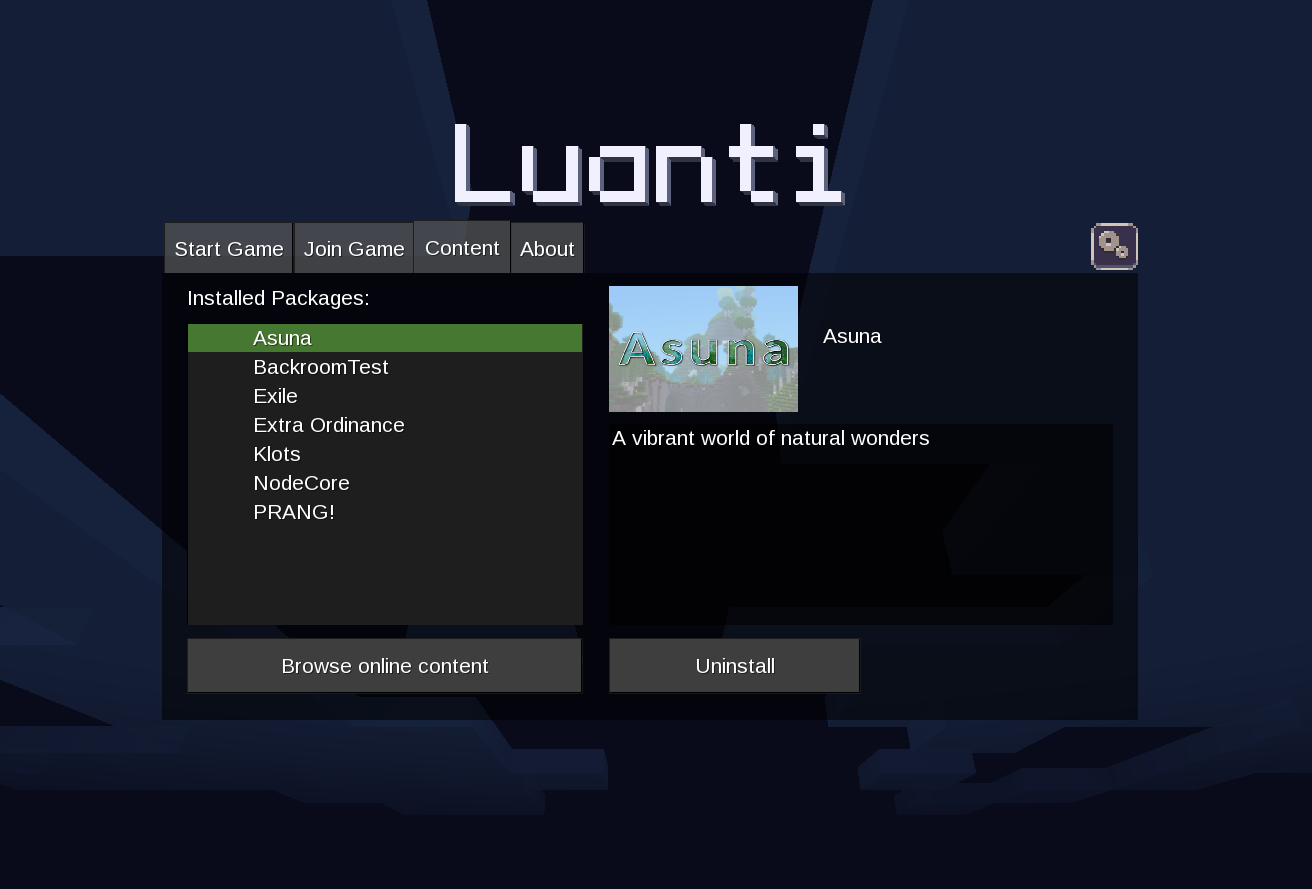
The main menu now has an exit confirmation dialog and an optional dark theme (Setting: “Menu theme”).
Modding Features
As always, Luanti 5.15 comes with new modding and game creation features. This includes support for animated inventory images, nested modpacks inside modpacks, and improved alpha support in the HUD, the inventory, and the world.
What’s Next?
Take a look at the pull request list and milestones to see what the community and developers are working on.
Everyone is welcome to contribute to Luanti! Questions? Ideas? Feel free to get involved!
Cover image by Just_Visiting - Agent X.